Beastfolk Barber Demo Walkthrough
A structured path through the free Steam demo without wasting Mirror previews or story arcs.
Demo snapshot
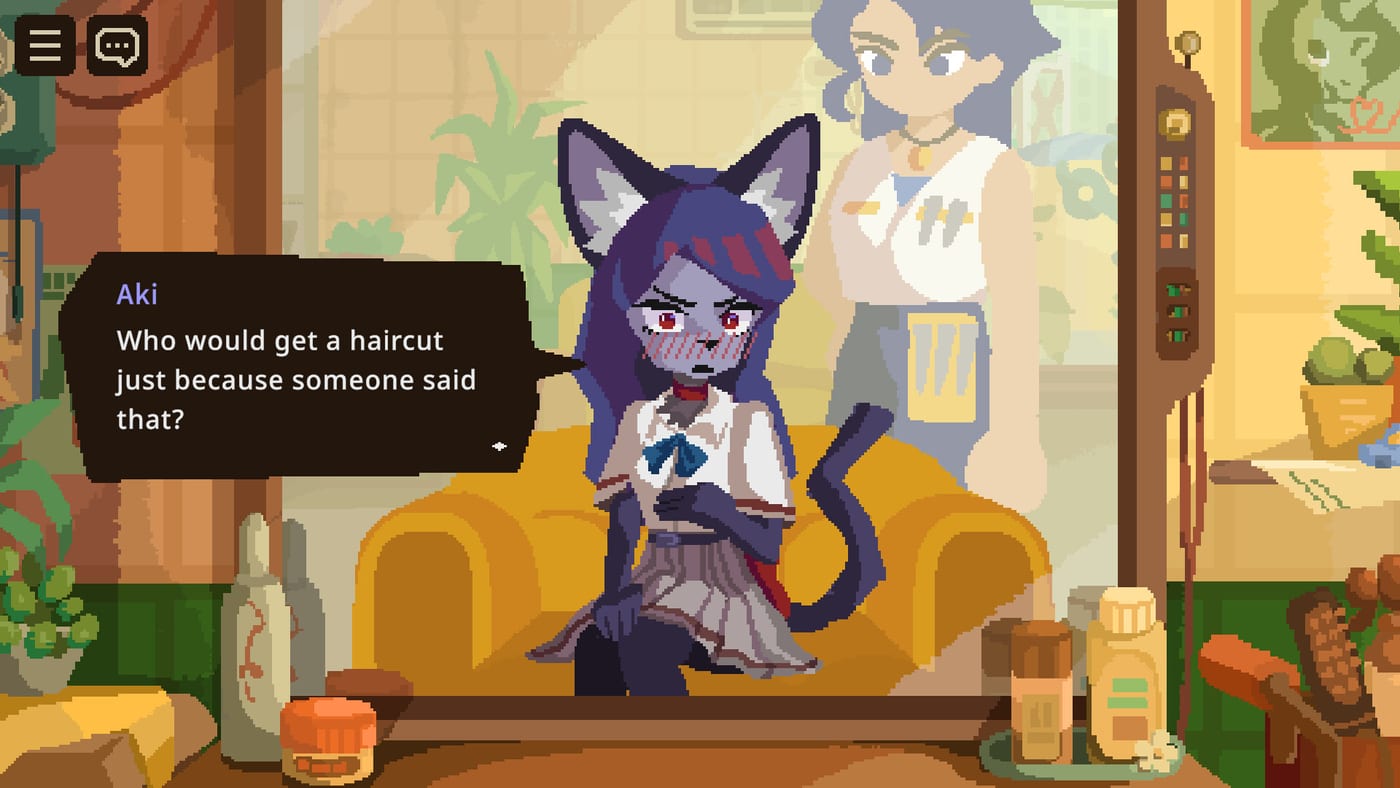
Beastfolk Barber’s free Steam demo went live on August 6, 2026 for Windows and macOS. You play Freddie, barber to beastfolk in a modern city, in a narrative sim from Safe Flight Games and GameWorks published by SIGONO. Full release timing is TBA. Official languages include English, Japanese, Simplified Chinese, and Traditional Chinese. This walkthrough gives a practical session path: install, first appointments, Mirror discipline, evening research, and a sane stop point for wishlist decisions.
Confirm scope on the Demo hub, What’s in the demo, and Demo download & requirements before you treat any missing feature as a bug. For mindset and UI calm, skim Getting Started in Beastfolk Barber once, then follow the steps below in order.
Step 0 — Set up for reading faces
Install from Steam, set brightness so facial reactions are clear, and keep a notepad or the Shop day checklist ready. Optionally open the Mirror decision helper on a second monitor. You will rely on dialogue and Mysterious Mirror reactions more than on action reflexes.
Step 1 — First appointments: listen, then style
Play the opening clients as foundation, not sandbox. Freddie’s conversations cover identity, prejudice, and workplace pressure—let those themes guide the cut. State each client’s goal in one mental sentence before touching tools. If the goal is clear and stakes feel low, consider saving Mirror previews. If ambiguity or emotional weight is high, preview and watch the reaction carefully.
Deep Mirror habits: How to use the Mysterious Mirror and Mysterious Mirror system. Retention stakes: Keep customers coming back. Remember that satisfaction affects return visits and story continuation; bad cuts can end arcs.
Step 2 — Mid-day Mirror budget check
Halfway through the demo day, pause. Count how many previews you have spent. If you burned attempts on easy trims, tighten the rule: no Mirror until you can name a conflict between two plausible looks. Mid-day is also when workplace-pressure clients may appear—resist forcing festival energy onto someone who needs camouflage for a hostile office.
If recurring faces show up, glance at the Customers hub after the session rather than mid-cut, so you stay present in dialogue.
Step 3 — Close the shop completely
Do not quit at the last snip. Review tips, read feedback, and scroll the city social feed for news and festival posts. Extract one tip trend, one feedback quote, and a short list of public clues. That homework fuels tomorrow inside the demo and trains the habit the full game will reward. Full method: How to read the social feed and End-of-day loop.
Step 4 — Second session goals
On a second launch, prioritize any regulars who left positive feedback. Ask about events the feed mentioned. Spend Mirror insurance on arc-hinge appointments. Avoid experimental chaos until you have a clean satisfaction streak. Your goal is intact story threads and a shop that feels welcoming—not a highlight reel of mismatched silhouettes.
Step 5 — Optional story awareness (light)
You may hear about a demon who offers to undo a past regret in exchange for a perfect haircut, requiring resources and a way to cut demonic hair. In the demo, treat this as foreshadowing. Do not stall your session hunting systems that may be full-game scoped. Your preparation is already underway: scarce previews, careful reactions, and healthy customer arcs.
Step 6 — Stop and evaluate
After one or two clean days, step back. Compare your experience with Demo first impressions and decide using Should you wishlist Beastfolk Barber? under the Review hub. If something felt unclear, reread the matching guide rather than grinding blindly: Mirror issues → Mirror guide; retention issues → keep-customers guide; clue blindness → social feed guide. The Guides Hub lists them all; Systems and Tools hubs hold references and helpers.
Walkthrough don’ts
- Do not invent combat, crafting trees, or multiplayer—the game is a narrative barber sim.
- Do not skip evening screens to “save time.”
- Do not spend the entire Mirror budget before the hardest appointment.
- Do not sacrifice an arc for a tip spike.
- Do not assume every trailer beat is fully playable in the demo; trust What’s in the demo.
Suggested single-sitting route
- Install and brightness check.
- Complete day one with Mirror restraint.
- Finish tips, feedback, and feed notes.
- Play day two protecting returnees.
- Wishlist decision via Review pages.
- Bookmark Guides Hub for patch-day refreshes.
Play this walkthrough once slowly. Beastfolk Barber’s demo shines when Freddie’s shop feels like a listening room with scissors—not a rush job. Master that tone now, and the TBA full release’s harder requests, including any perfect demonic cut later on, will meet a player who already knows how to care.
Frequently Asked Questions
Quick answers to the most common questions.
When did the Beastfolk Barber demo launch?
The free Steam demo went live on August 6, 2026 for Windows and macOS. The full release remains TBA.
What should I do first in the demo?
Install via the Demo hub, then follow listening-first appointments from Getting Started before spending Mirror previews.
Why does this walkthrough insist on the evening screens?
Tips, feedback, and the social feed provide styling clues and satisfaction signals for the next day.
Can bad cuts end stories in the demo?
Yes. Satisfaction affects return visits and arc continuation; treat emotional appointments carefully.
Is the demon encounter required in the demo?
Treat the demon’s perfect-cut bargain as foreshadowing. Focus demo time on Mirror habits and customer care unless the build clearly presents that beat.
Where should I go after finishing this walkthrough?
Read Demo first impressions and Should you wishlist?, and keep sibling guides from the Guides Hub handy.